
How We Document Airbnb Guest Damage to Support Reimbursement Claims
By UniqClean team · · 3 min read
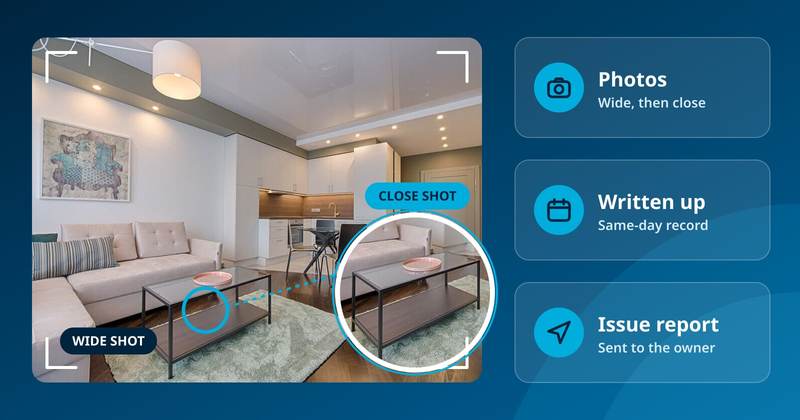
We own short-term rentals too, and some of them are hours away. When a guest breaks something, a reimbursement claim is only as strong as the record behind it. A photo alone is not enough. The record needs to show the damage happened during that stay.
Documentation supports a claim. It does not decide one. The booking platform reviews each claim under its own rules and makes the call, and we cannot promise an outcome. What we can do is give you a clear, dated record to file with.
Every turnover we do starts the same way, before anyone cleans or moves anything.
The walk
We call it the Uniq First Look. The cleaner comes in the front door and walks the whole house in one direction, room by room. Open the drawers and cabinets. Lift the couch cushions. Look top to bottom. Check the lights, the remotes and the electronics.
Nothing gets cleaned until the walk is done. That way we see the house the way the guest left it.
What gets photographed
When we find damage, we photograph it where it is, before it is moved. One wide shot shows the room. One close shot shows the damage. Broken, stained, burned, cracked, scratched or missing, every item gets the same two shots.
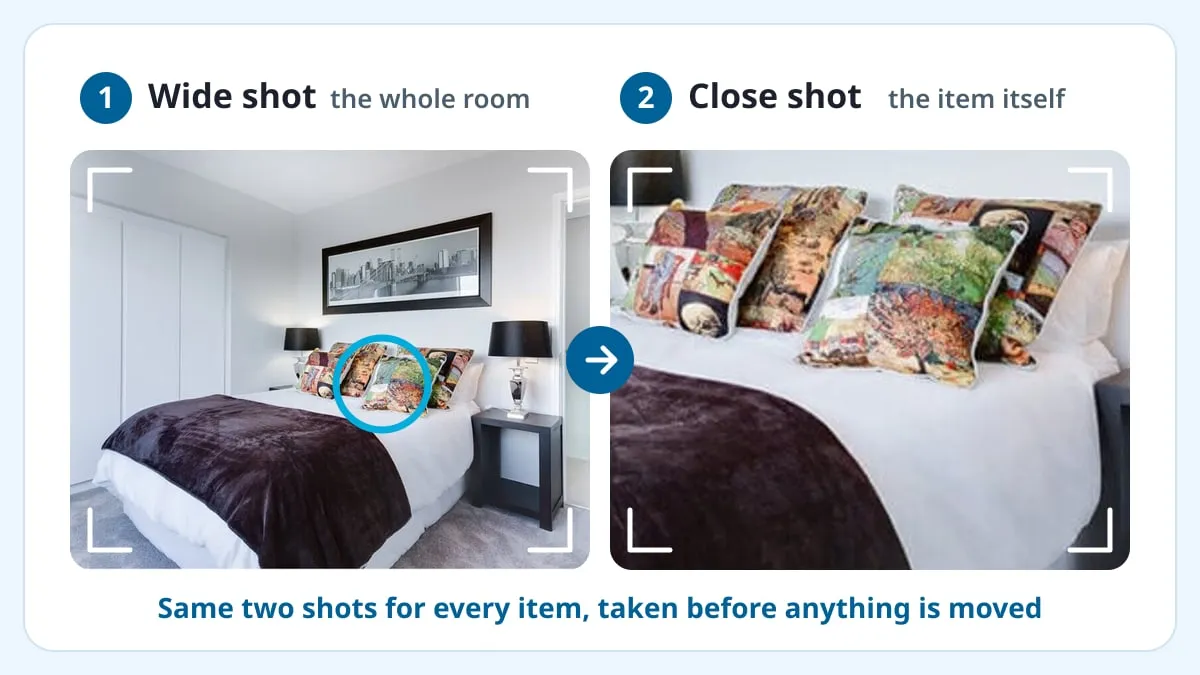
We also photograph anything left behind or out of the ordinary, like stained linens or trash stuffed in a drawer.
What gets written down
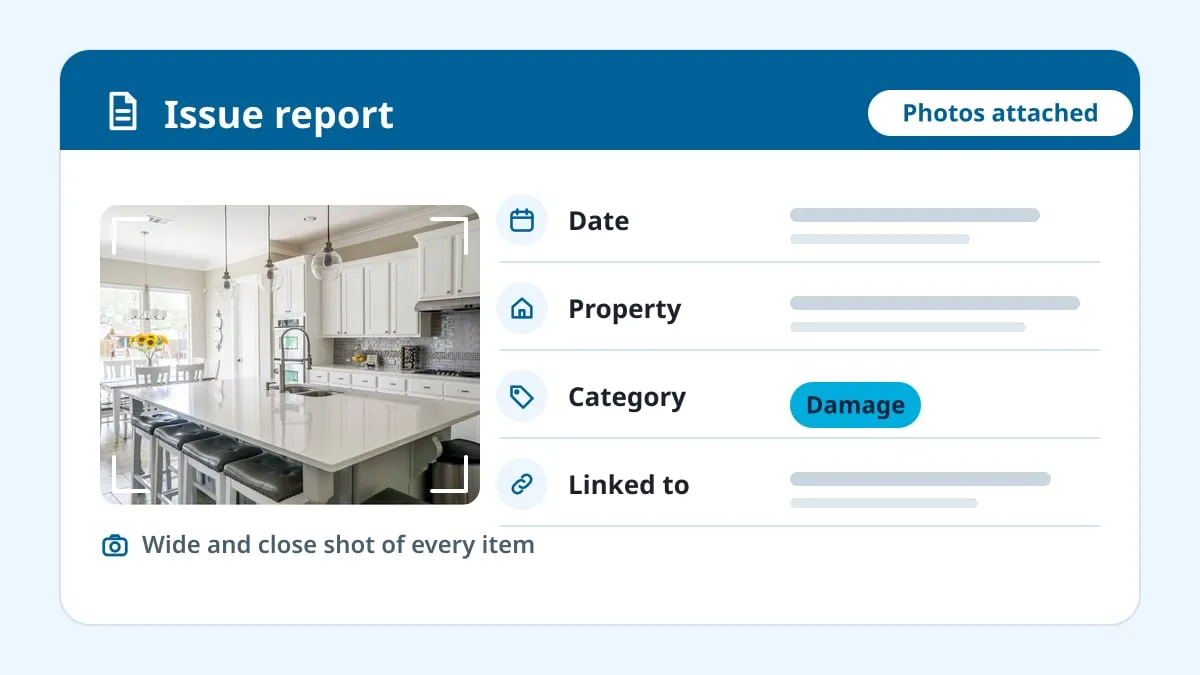
The same day, we write it up. The report has the date, the property, the category (Damage) and a plain description of each problem. We say what it is, not what we think caused it. “Cracked bedroom window, left side” is better than “guest broke window.”
The photos go with the report, and the report is tied to that guest’s checkout, so the damage lines up with one stay.
What you get
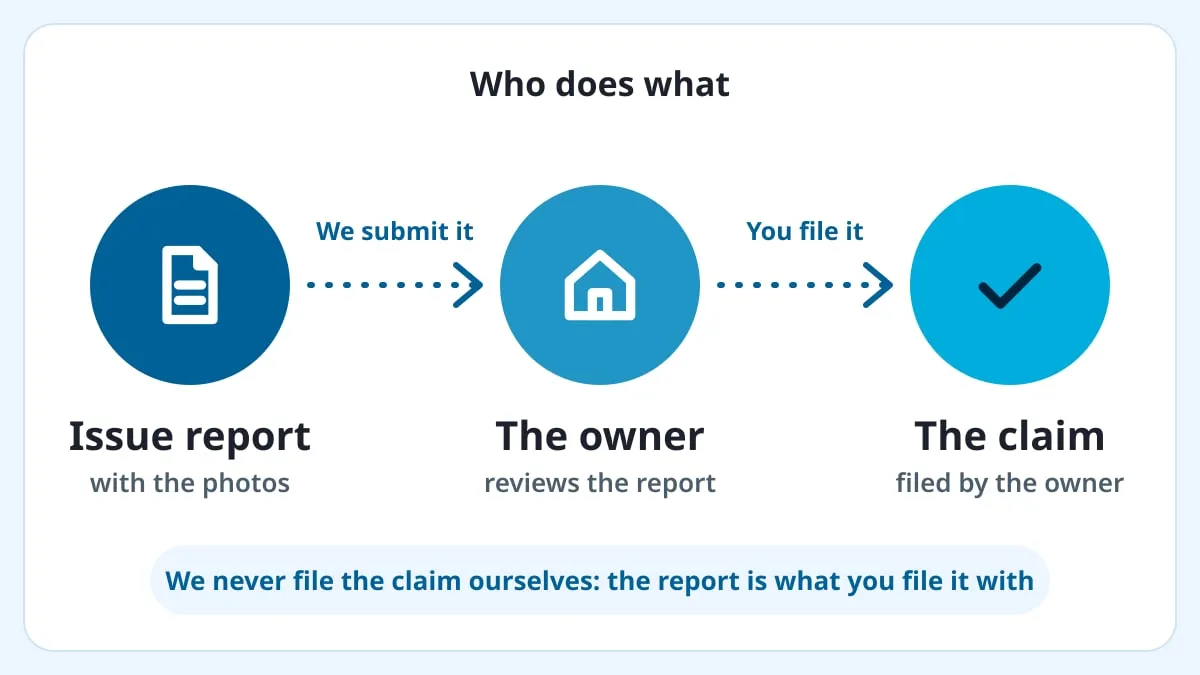
We send an issue report to you, the owner. We do not file the claim. You file it on the booking platform with our report and photos attached, and the platform decides whether to reimburse and how much.
Urgent items, like guest damage, a broken lock or a lockout, we flag right away.
File promptly
File promptly on the booking platform, and check its current rules for filing deadlines. If the platform asks you to contact the guest first, do it in writing through its messaging. Our report is there so you can do that the day you receive it.
Keep the original photos and any repair quotes and receipts.
Want to talk it through?
Book a call and tell us about your rental. We will tell you how we would handle it.